
Registering for a Program
A step-by-step guide at how to search or browse for programs and then register for them online.
1
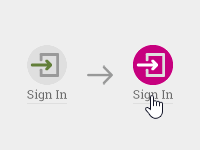
You must Sign In to register for a program.
2
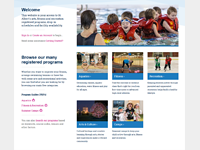
You can find programs by browsing or searching for what interests you.
2a
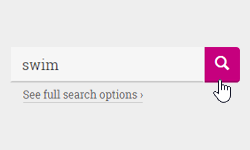
You can search by keyword or course code, or if you view the
full search options, by age, weekday or venue.
2b
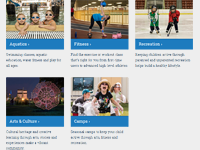
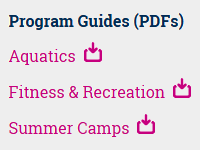
...or directly browse through our registered programs by category
to find something right for you.
3
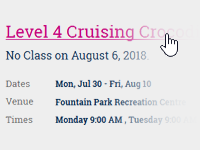
Once you've found a course that interests you, click on its name and you'll go to a details page
displaying the dates, times, location(s) and price.
4

You can begin the registration process by adding the course to your cart using Add to Cart
button on that details page.
4a
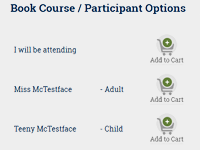
Alternatively, if you've added family members to your account, you
can add the course to your cart on behalf of another participant.
5
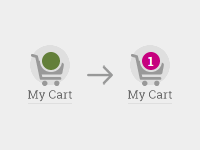
When you add a course to the cart, the cart icon at the top of the screen will become active and show the
number of items it contains.
6
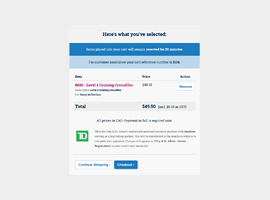
Clicking on the cart icon will allow you to review its contents and see a running total. You can continue the
registration process by clicking the Checkout button.
7
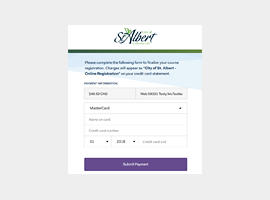
Enter your payment information as prompted on the Checkout screen and then click the Submit Payment button.
8
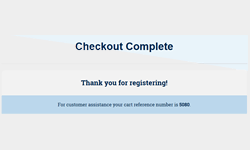
You'll be redirected to a screen confirming your registration's success and you will also be sent a
confirmation email.
Contact Us
Can't find the answer you're looking for? Please contact us so we can help:
- For Aquatics 780-459-1553 or fprc@stalbert.ca
- For Arts or Culture 780-459-1585 or jflower@stalbert.ca
- For Fitness or Recreation 780-418-6088 or spquestions@stalbert.ca